 Homes Trak™
How To Do A Home Inventory For Insurance, Room By Room
After a fire, a burst pipe or a break-in, your insurer will ask for a list of what you lost. Writing that list from memory, while you are dealing with the damage, is hard. Most people forget whole categories, like the tools in the garage or the coats in the hall closet.
A home inventory solves that ahead of time. The Insurance Information Institute (III) recommends one for every household, and it does not need to be perfect. In the III's words, an incomplete inventory is better than none. This guide shows a room by room method that works for any size home and is easy to keep current.
Why an inventory helps
A good inventory does three jobs.
- It speeds up a claim. You can show the adjuster what you owned instead of trying to remember it.
- It helps you pick the right coverage. Once you see the total, you can ask your agent whether your policy limits make sense.
- It flags items that may need extra coverage. The III suggests talking to your agent about jewelry, art, collectibles and other valuables, since those items may need extra coverage.
What to gather before you start
You need very little:
- A phone with a camera and enough storage for photos and short videos
- A notes app, a spreadsheet, or a home inventory app
- Any receipts, appraisals or manuals you already have, gathered into one spot
Pick a starting room and a finishing room before you begin. A fixed order keeps you from skipping spaces.
Steps
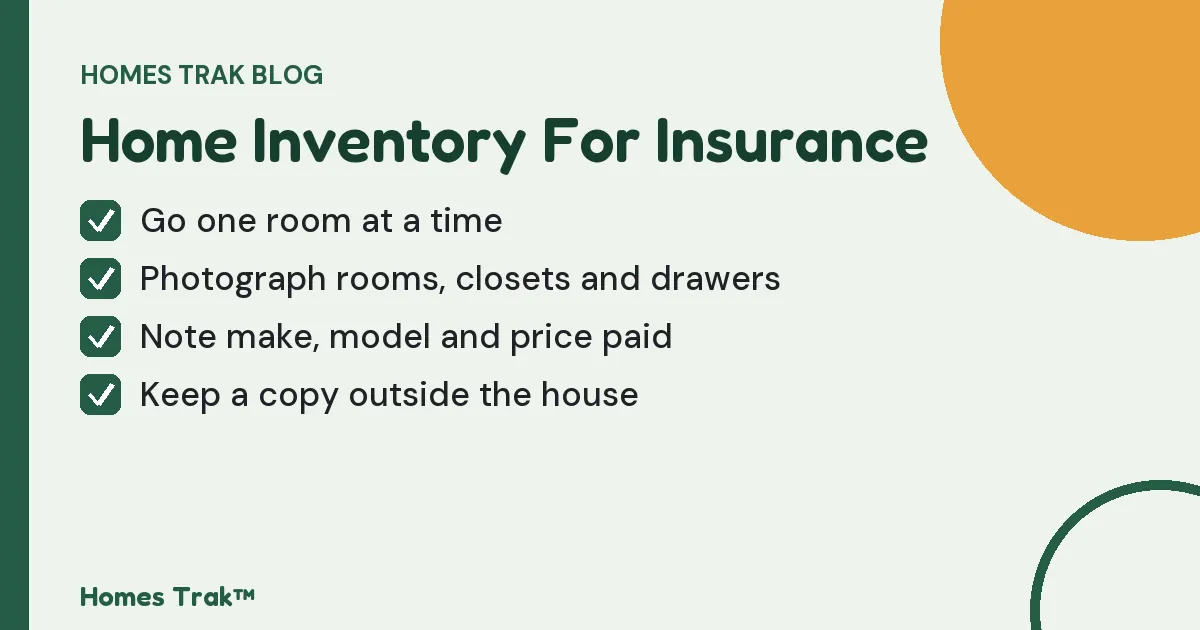
- Start at the front door and move through the house in one direction, room by room, including the garage, attic, basement and any storage unit.
- Stand in the doorway of each room and take a wide photo of every wall. Then open closets, cabinets and drawers and photograph what is inside, as the III recommends.
- Record a short video walkthrough of the room. Narrate as you go, naming items and saying roughly when you bought them.
- List the bigger items in each room. For each one, note what it is, where you bought it, the make and model, and the price you paid.
- Find serial numbers on electronics and appliances. The III notes they are usually on the back or the bottom. Photograph the label.
- Count clothing and similar items by category instead of one by one, such as "about 20 shirts" or "6 pairs of shoes."
- Photograph receipts and appraisals for valuable items and keep them with the room they belong to.
- Save a copy of everything somewhere outside the house.
Room by room checklist
Use this list as a memory aid. Skip anything that does not apply.
Living areas
Sofas and chairs, tables, rugs, lamps, televisions, speakers, game consoles, books, art and decor, window coverings.
Kitchen and dining
Major appliances, small appliances like the mixer and coffee maker, cookware, dishes, glassware, silverware, the dining table and chairs.
Bedrooms
Beds and mattresses, dressers, nightstands, clothing by category, shoes, jewelry, watches, bedding, electronics.
Bathrooms and linen closets
Towels, small appliances like hair dryers, scales, cabinets of supplies.
Office
Computers, monitors, printers, phones and tablets, desk and chair, cameras, important papers.
Garage, basement and outdoors
Tools, lawn equipment, bikes, sports gear, grills, patio furniture, ladders, holiday decorations, anything in storage bins.
Off-site
The III reminds people to include items in a self-storage unit. If you rent one, inventory it the same way.
Keep a backup outside the home
An inventory that burns with the house does not help. The III recommends keeping a copy somewhere other than your home. That could be a cloud service, a family member's house, or a safe deposit box. If you use an app, the III suggests confirming that it backs up your data and that you know how to get the data back out.
Keep it current
The III recommends adding new purchases soon after you buy them. A simple routine works:
- Add big purchases the same week, with a photo of the receipt.
- Once a year, walk through each room and take fresh wide photos.
- Update the list after a renovation or a move.
Using an app for the inventory
A spreadsheet works, but photos and receipts end up in a different place than the list. An app can keep them together. Homes Trak, an app for iPhone and iPad, has an insurance inventory organized room by room and can create a claim PDF from it. It backs up to iCloud Drive and can export everything, photos included, so you have a copy outside the phone. You can see it on the features page or watch the short video.
For appliances, it helps to also track warranties and model numbers. Our guide on how to keep track of appliance warranties covers that. If you are new to the house, what documents to keep after buying a house covers the paperwork side.
Frequently asked questions
How detailed does a home inventory need to be?
Detailed enough to describe each item and show you owned it. The III suggests noting a description, where you bought it, the make and model, and the price. For lower-value items like clothing, counting by category is fine. Start simple, since an incomplete inventory beats none.
Is a video walkthrough enough on its own?
A video is a strong start, and the III recommends one with narration. A written list adds details a video cannot show well, like serial numbers, prices and purchase dates. Using both gives you the most complete record.
Do renters need a home inventory?
Yes. Renters insurance covers your belongings, and an inventory helps with a claim the same way it does for an owner. The method in this guide works the same in an apartment.
Where should I store my home inventory?
Somewhere outside the house, so it survives whatever damages the home. Options include cloud storage, a copy with a relative, or a safe deposit box. If you use an app, confirm how it backs up your data and how you retrieve it.